
Advertisement · live example
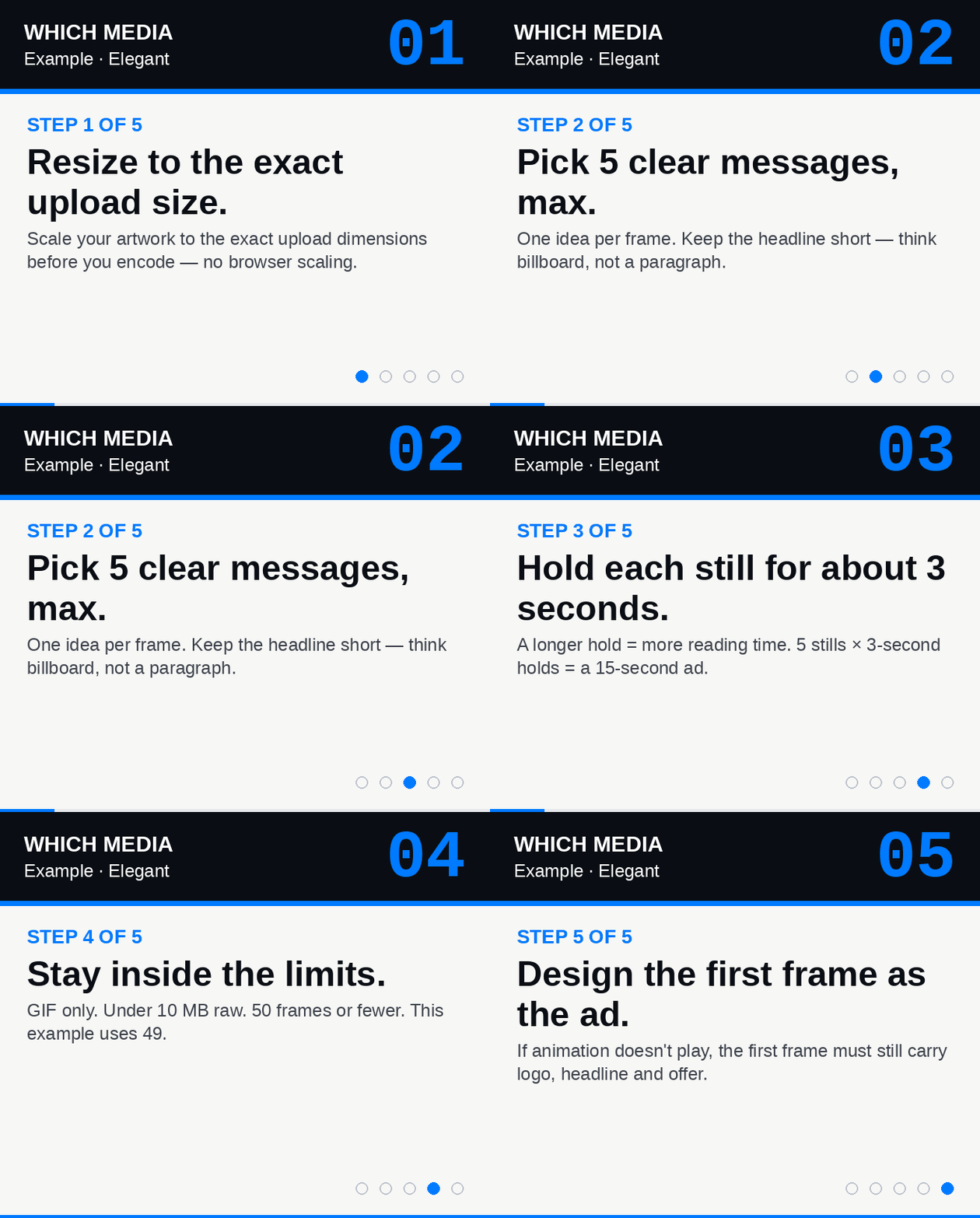
Currently serving: Size 5 · 1216 × 168 Size 4 · 960 × 168 Size 3 · 720 × 168 Size 2 · 592 × 168 Size 1 · 328 × 272 — resize your browser to watch it respond
Advertising · Media Pack
Ad sizes &specifications
Everything you need to book and supply creative across our two flagship parent-facing titles — WhichSchoolAdvisor.com and SchoolsCompared.com — in one shareable place.
Advertise on WhichSchoolAdvisor.com
WhichSchoolAdvisor.com offers responsive display advertising. Creative is uploaded at high resolution and scaled responsively to the reader's screen, ensuring crisp delivery on every device.
Ad Positions
7 slotsLeaderboard
Top of every article — the first thing readers see
In-Article Positions
- 01
In Article 1
Elegant - 02
In Article 2
Elegant - 03
In Article 3
Elegant - 04
In Article 4
Elegant - 05
In Article 5
Elegant - 06
In Article 6
Elegant
Jumbo
Special Jumbo premium size. Request more information
Technical Specs
RequiredFormat
GIF · PNG · JPG
No .mov · .mp4 · .webp · .svg
Max size
10 MB
Raw, uncompressed
Frames
50 or fewer
Per GIF, not per second
We will NOT accept
- Other formats (.mov, .mp4, .webp, .svg)
- Files larger than 10 MB raw
- GIFs with more than 50 frames
Delivery
Responsive — display size is typically 50% of the uploaded pixel dimensions once the minimum screen width is met.
Elegant Profile
Standard creative — Leaderboard + In Article positions
| Size | Upload (px) | Display (px) | Min. screen |
|---|---|---|---|
| 1 | 656 × 544 | 328 × 272 | 360px |
| 2 | 1184 × 336 | 592 × 168 | 624px |
| 3 | 1440 × 336 | 720 × 168 | 752px |
| 4 | 1920 × 336 | 960 × 168 | 992px |
| 5 | 2432 × 336 | 1216 × 168 | 1248px |
Advertise on SchoolsCompared.com
SchoolsCompared.com offers responsive display advertising across its most valuable, high-intent placements. Creative is uploaded at high resolution and scaled responsively to the reader's screen, ensuring crisp delivery on every device.
Ad Positions
6 slotsLeaderboard
Top of every article — the first thing readers see
In-Article Positions
- 01
In Article 1
Elegant - 02
In Article 2
Elegant - 03
In Article 3
Elegant - 04
In Article 4
Elegant - 05
In Article 5
Elegant
Jumbo
Special Jumbo premium size. Request more information
Technical Specs
RequiredFormat
GIF · PNG · JPG
No .mov · .mp4 · .webp · .svg
Max size
10 MB
Raw, uncompressed
Frames
50 or fewer
Per GIF, not per second
We will NOT accept
- Other formats (.mov, .mp4, .webp, .svg)
- Files larger than 10 MB raw
- GIFs with more than 50 frames
Delivery
Responsive — display size is typically 50% of the uploaded pixel dimensions once the minimum screen width is met.
Elegant Profile
Standard creative — Leaderboard + In Article positions
| Size | Upload (px) | Display (px) | Min. screen |
|---|---|---|---|
| 1 | 656 × 544 | 328 × 272 | 360px |
| 2 | 1184 × 336 | 592 × 168 | 624px |
| 3 | 1440 × 336 | 720 × 168 | 752px |
| 4 | 1920 × 336 | 960 × 168 | 992px |
| 5 | 2432 × 336 | 1216 × 168 | 1248px |
Designer Toolkit
How to make a compliant ad
Four simple rules — they apply to every format (GIF, PNG and JPG). Then press play on every Elegant size below — each preview is rendered at the actual on-page display dimensions, so you can see exactly how your creative will land.
Size
Exact upload pixel size
See the table above for the five Elegant upload dimensions
Format
GIF, PNG or JPG only
No .mov, .mp4, .webp, .svg
Frames
50 frames or fewer
The examples below use 49
Weight
Under 10 MB (raw)
Not compressed
Examples — all 5 Elegant sizes
Every size, 49 frames, 5 messages
All five previews are rendered at the exact display dimensions from the table above. Each GIF holds every message for ~3 seconds — about 16 seconds total.
Display 328 × 272·Upload 656 × 544
Shown when viewport ≥ 360px
Preview at display size · 328 × 272
Display 592 × 168·Upload 1184 × 336
Shown when viewport ≥ 624px
Preview at display size · 592 × 168
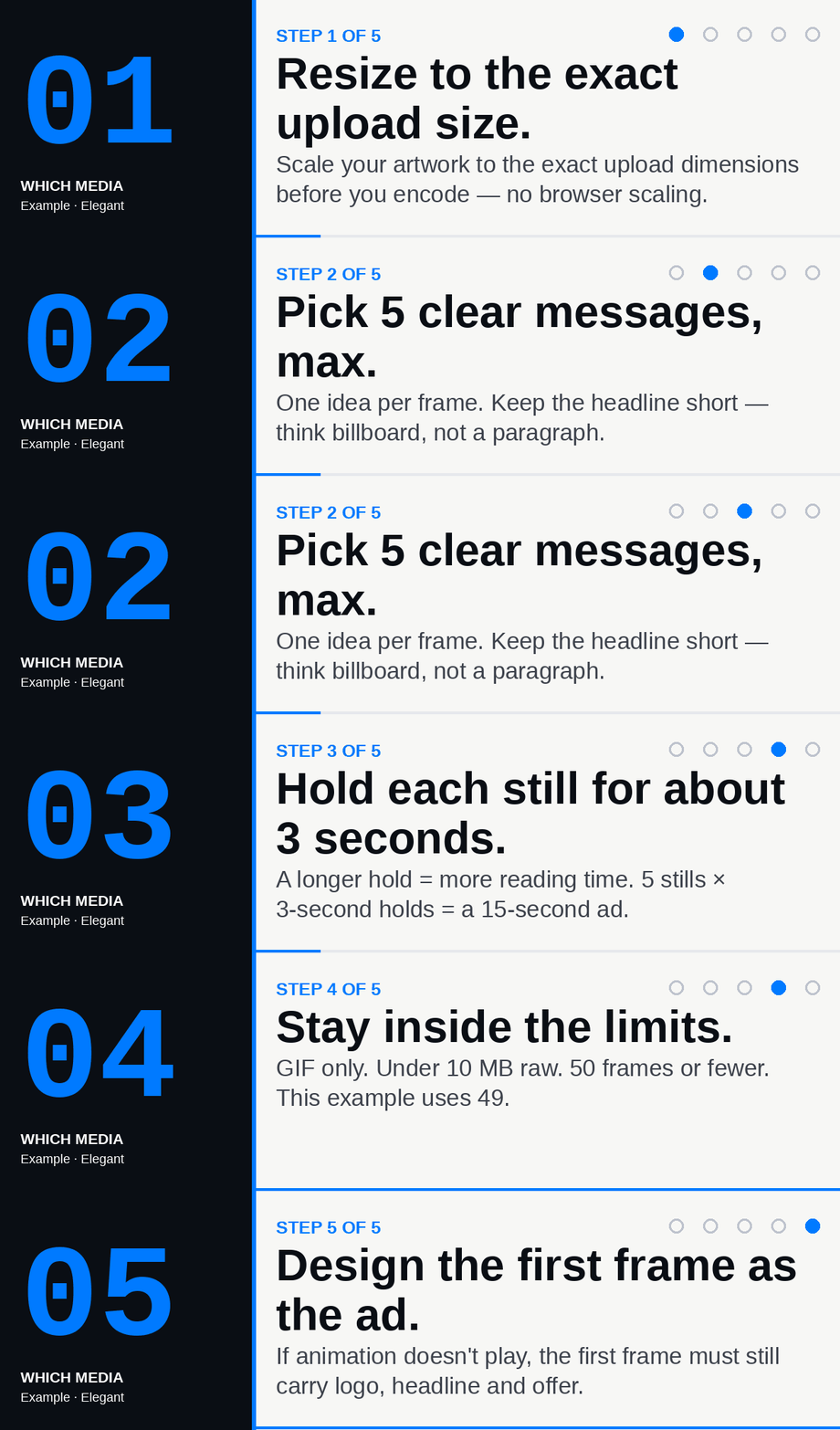
Display 720 × 168·Upload 1440 × 336
Shown when viewport ≥ 752px
Preview at display size · 720 × 168
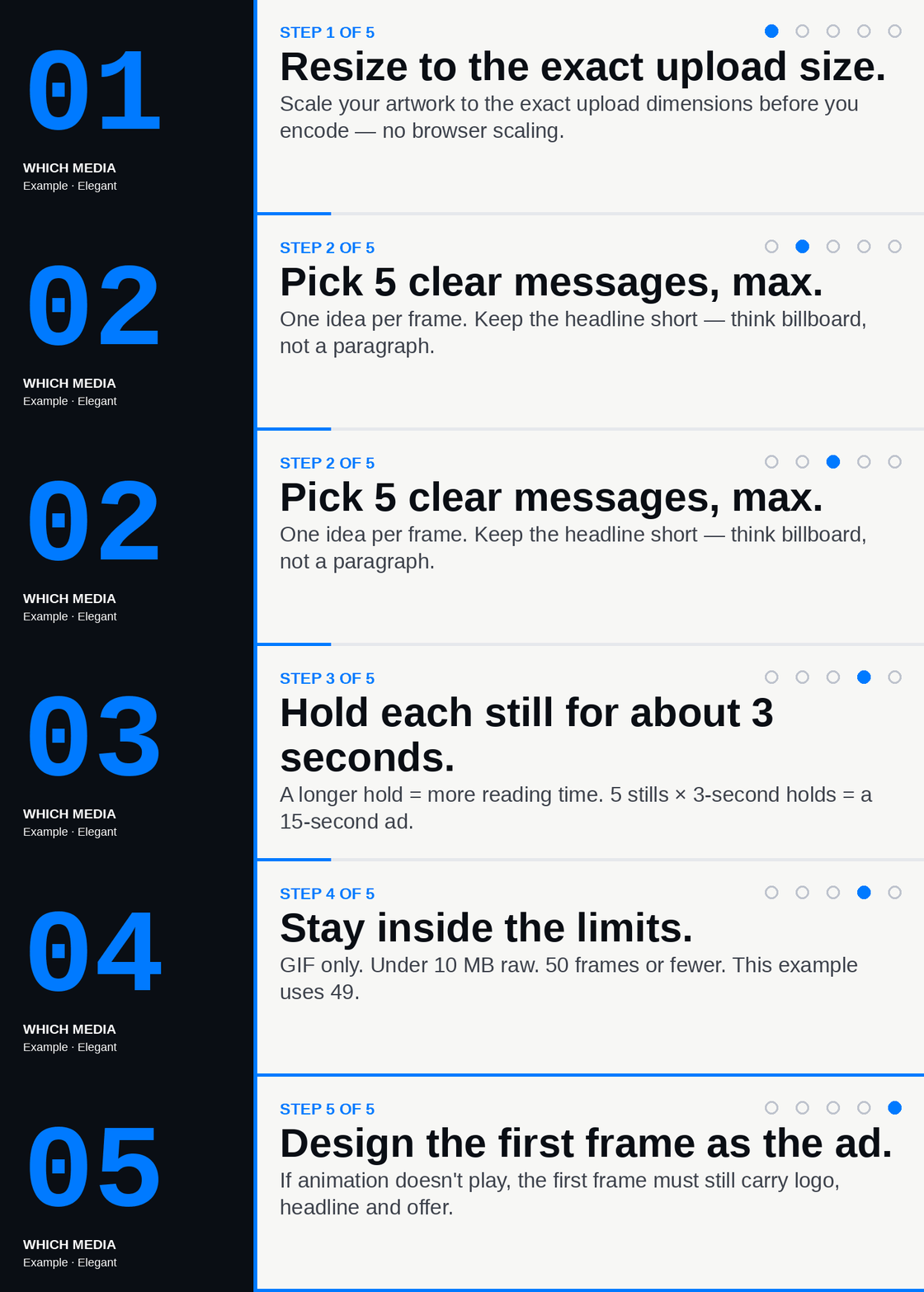
Display 960 × 168·Upload 1920 × 336
Shown when viewport ≥ 992px
Preview at display size · 960 × 168

Display 1216 × 168·Upload 2432 × 336
Shown when viewport ≥ 1248px
Preview at display size · 1216 × 168

Important — on timing
Your GIF can run longer than 3 seconds.
The 50-frame cap is not a 50-frames-per-second cap. Hold each still for about 3–4 seconds and you can comfortably land five full messages inside the budget — exactly as the examples above do. More hold-time per still = fewer, more memorable messages; less hold-time = more motion but less reading. Pick the mix your campaign needs.
Send us your ad
Upload your campaign — checked instantly
A campaign is usually 5 responsive sizes of the same ad. Drop each file below — we check it against every rule above in seconds, then add the next. Only files that pass every check can be sent to our ad ops team.